|

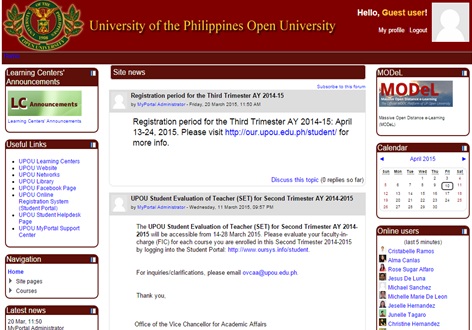
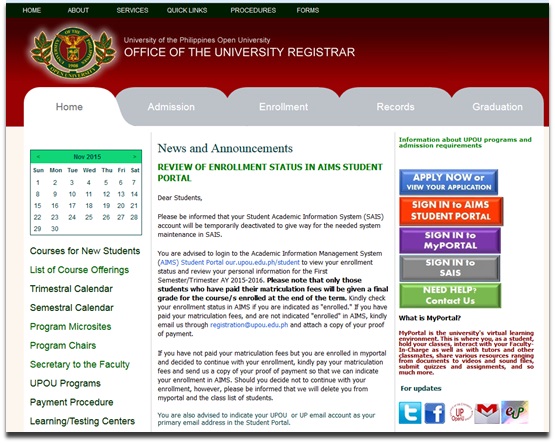
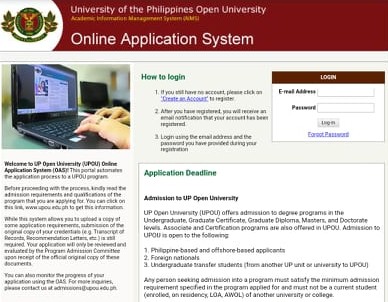
📢 REGISTRATION PERIOD for the Third Trimester/Mid Year Term AY 2025–2026📢
👉Eligible Enrollees at UPOU*
- Newly Admitted Students:
- New and transfer students officially admitted to UPOU degree programs
- Continuing Students:
- Students who were enrolled in the previous term
- Students returning from an official Leave of Absence (LOA)
- Readmitted students
- Cross-Enrollees:
- Students from other UP or non-UP units approved for cross-enrollment at UPOU
- Non-Degree Students:
- Students not enrolled in a UPOU program but with an approved non-degree application before the enrollment period.
👉Reminders for eligible enrollees*
- Complete your registration and payment within the designated periods; access to the Online Registration System (ORS) will be restricted afterward.
- Make sure the courses you enroll in are part of your approved study plan. For courses outside your study plan, obtain approval from your Program Chair first, before enrolling.
👉ONLINE APPLICATION FOR UNDERLOADING/OVERLOADING
A. Underloading
All undergraduate students – including those in the Associate in Arts (AA), Associate of Science in Instructional Design and Technology (ASIDT), Associate of Science in Information Technology (ASIT), Associate of Arts in Digital Design and Art (AADDA), Associate of Arts in Digital Entrepreneurship (AADE), Bachelor of Arts in Multimedia Studies (BAMS), and Bachelor of Education Studies (BES) programs — must apply for underloading if enrolling in fewer than 12 units of courses (excluding PE and CWTS).
B. Overloading
Students (Associate, Bachelor, Diploma, Certificate, Master, and PhD degree programs) enrolling in more units than the prescribed regular load (12 units for undergraduate programs and 6 units for most graduate programs) must apply for overloading.
C. Application periods for overloading and underloading
- For Mid Year Term AY 2025–2026, you may access the system starting 19 May 2026 (Tuesday).
- For Third Trimester AY 2025-2026, you may access the system starting 19 May 2026 (Tuesay).
D. Application Procedures:
- Log in to the Online Registration System (ORS) via the Student Portal.
- Select the course(s) you want to enroll in.
- If applying for underloading or overloading:
- Complete the form and state your reasons.
- Upload the required documents (for underloading).
Note: Your application will be reviewed by your Program Chair, Faculty Secretary, and Faculty Dean. You will receive a system notification via email once a decision has been made.
4. Finalize your enrollment in the ORS based on the decision on your application.
For inquiries, about the underloading/overloading procedures, contact [email protected].
The University of the Philippines Open University (UPOU) will hold its 30th Commencement Exercises on 5 December 2026 at the UPOU International Convention Center (ICC).
Graduation Evaluation and Confirmation
Only students who have filed an application for graduation on or before the deadline will be evaluated as prospective candidates. Graduation confirmations will be issued by the Office of the University Registrar (OUR) after approval by the Board of Regents and will be sent via email.
Graduation confirmation notifications are expected to be released during the following periods:
1st Semester/Trimester AY 2025–2026 – April 2026
2nd Semester/Trimester AY 2025–2026 – September 2026
3rdTrimester/Midyear Term AY 2025–2026 – November 2026
Graduation Fee and University Clearance
ONLY upon receipt of the graduation confirmation will graduates be instructed to pay the ₱300.00 graduation fee and complete the faculty and university clearances. DO NOT apply for university clearance if you have not yet received an official graduation confirmation. The confirmation will be sent by OUR via [email protected].
Please be informed that the online application for readmission for the Second Semester and Second Trimester is now closed.
The online application for readmission in AIMS will be available during the following periods:
-
Midyear Term, AY 2025–2026
Start: 27 January 2026
End: 09 May 2026 -
Third Trimester, AY 2025–2026
Start: 09 February 2026
End: 09 May 2026
Please note that no applications will be accommodated beyond these dates.
========================
 |